
Where's My Stuff? (Order History Navigation)
Follow these instructions to quickly and easily navigate through brandhub's order history to find your order(s).
Go to selectbrandhub.com
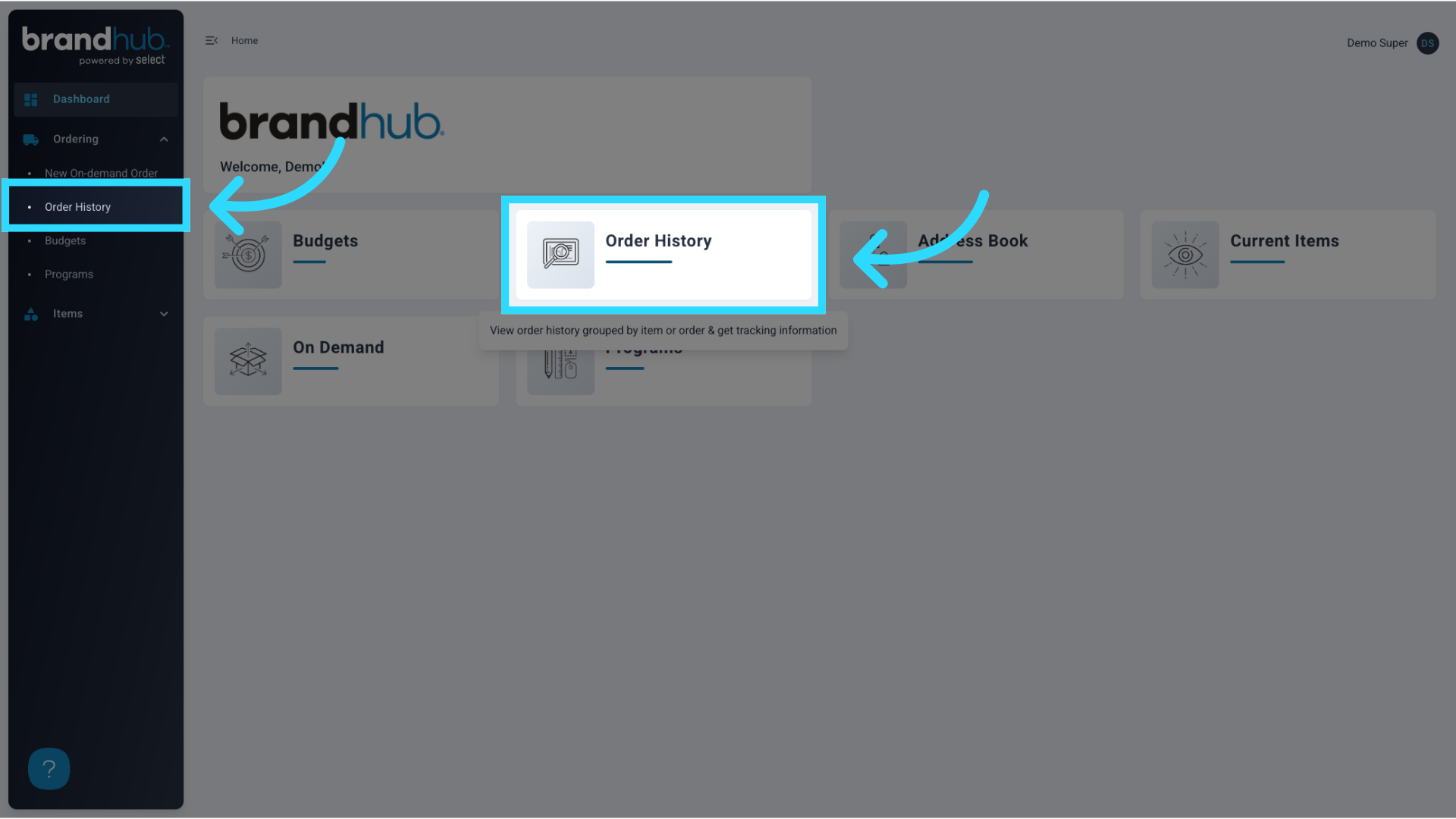
1. Click "Order History"
Click on the "Order History" tile or "Order History" from the Ordering dropdown.
2. You can view Order History by Items or by Orders
You can opt to view the order history table "By Items" or "By Orders".
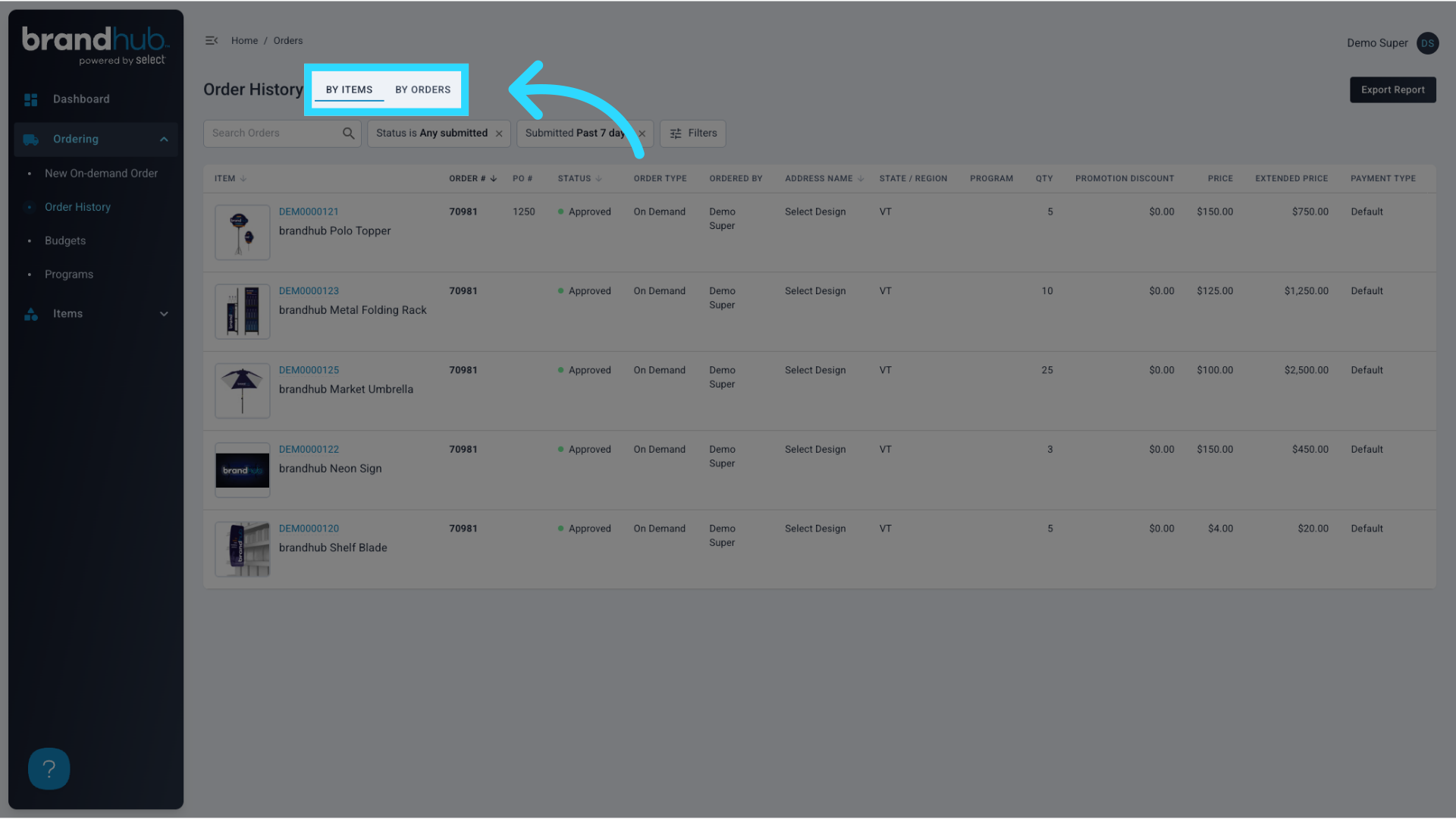
3. The "By Items" view allows the user to see each item that has been ordered in the order history table
Orders are displayed with each ordered item as an individual row in the Order History table.
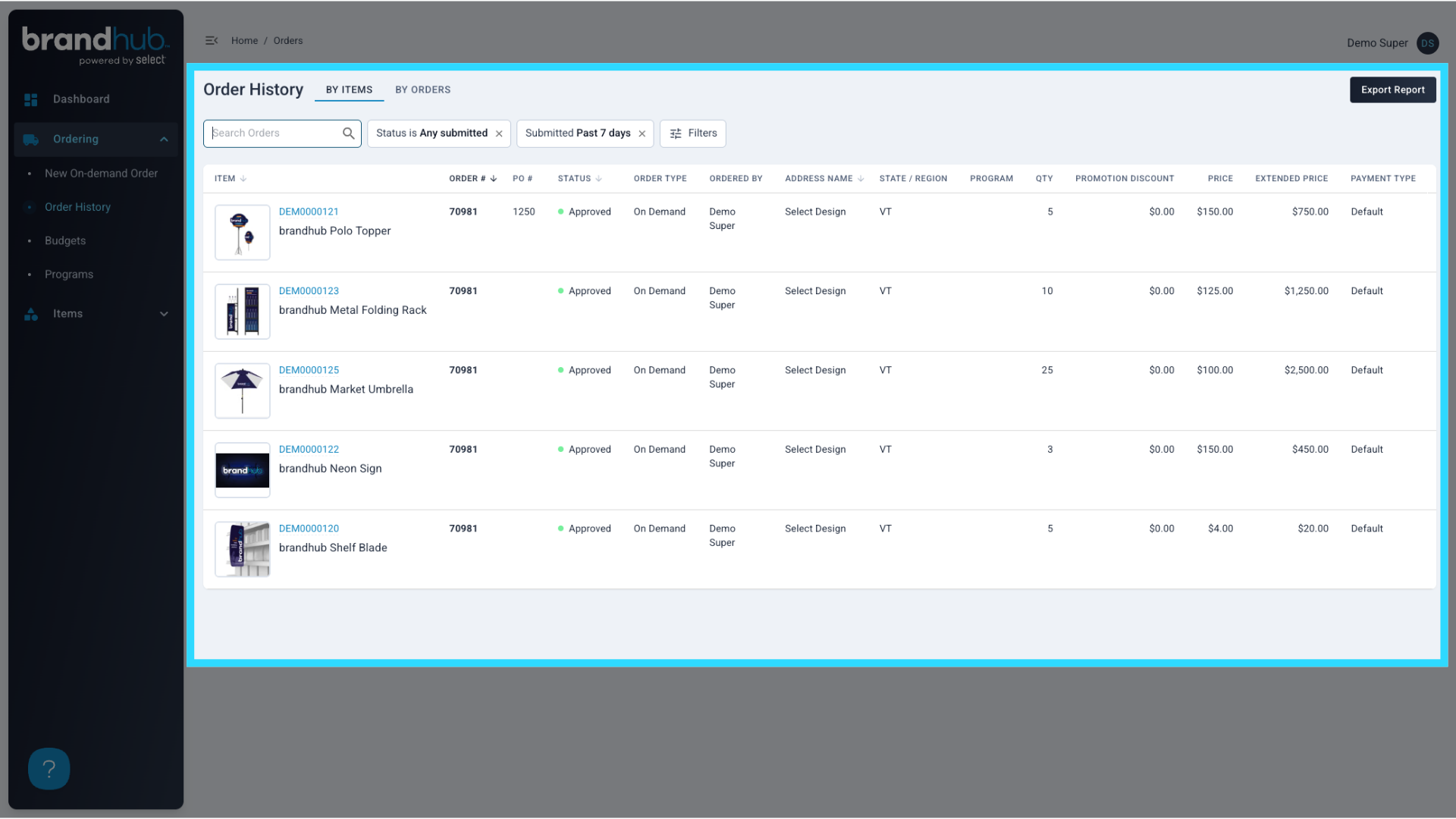
4. Conversely, the "By Orders" view allows the user to view each individual order as a row in the table
Another option would be to view the Order History Table with each order as a row in the table.
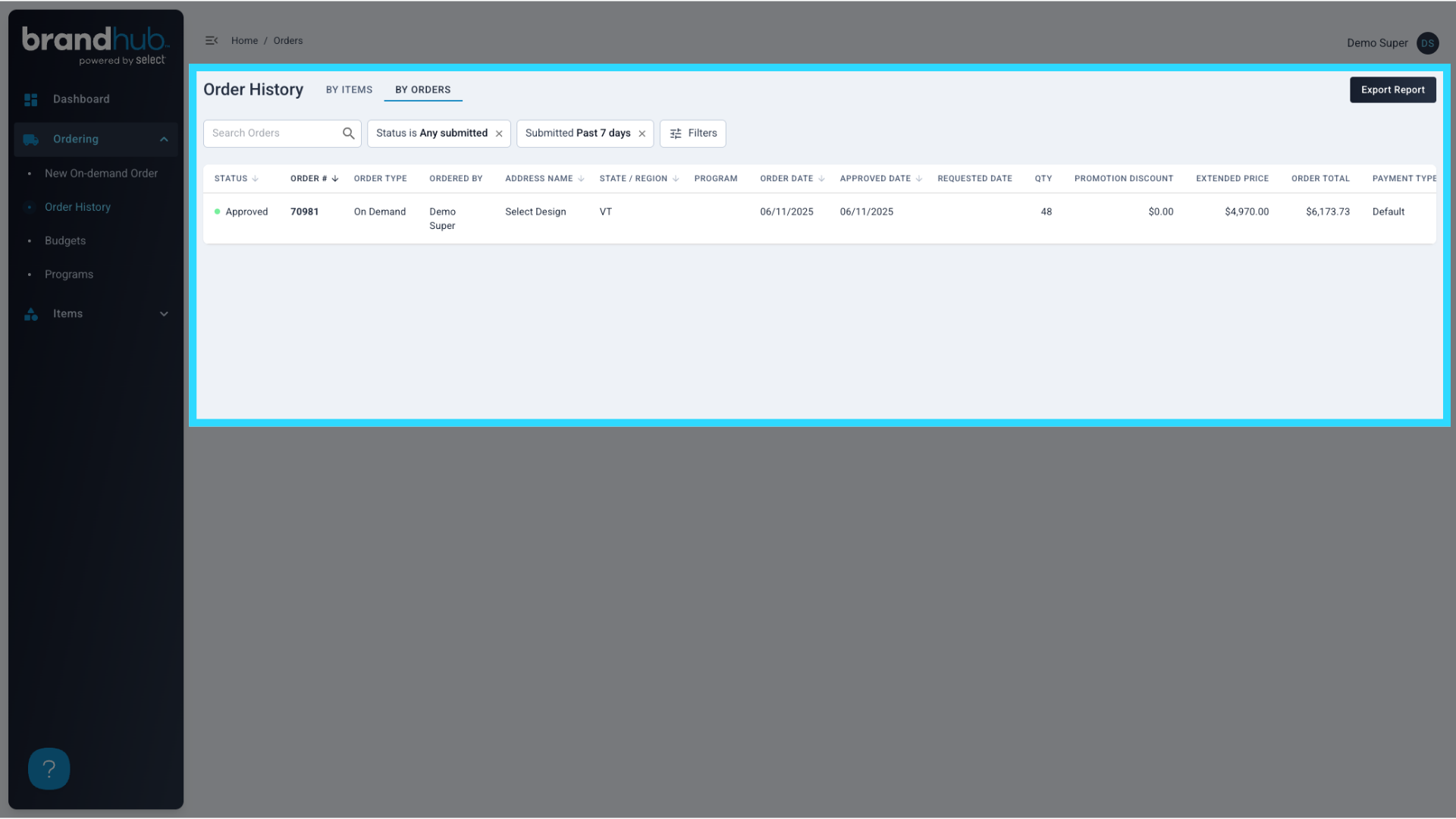
5. Search for Order #s, SKUs, Item Names, and more
Users can search for various parts of their orders, such as the order #, item SKU, or item names.
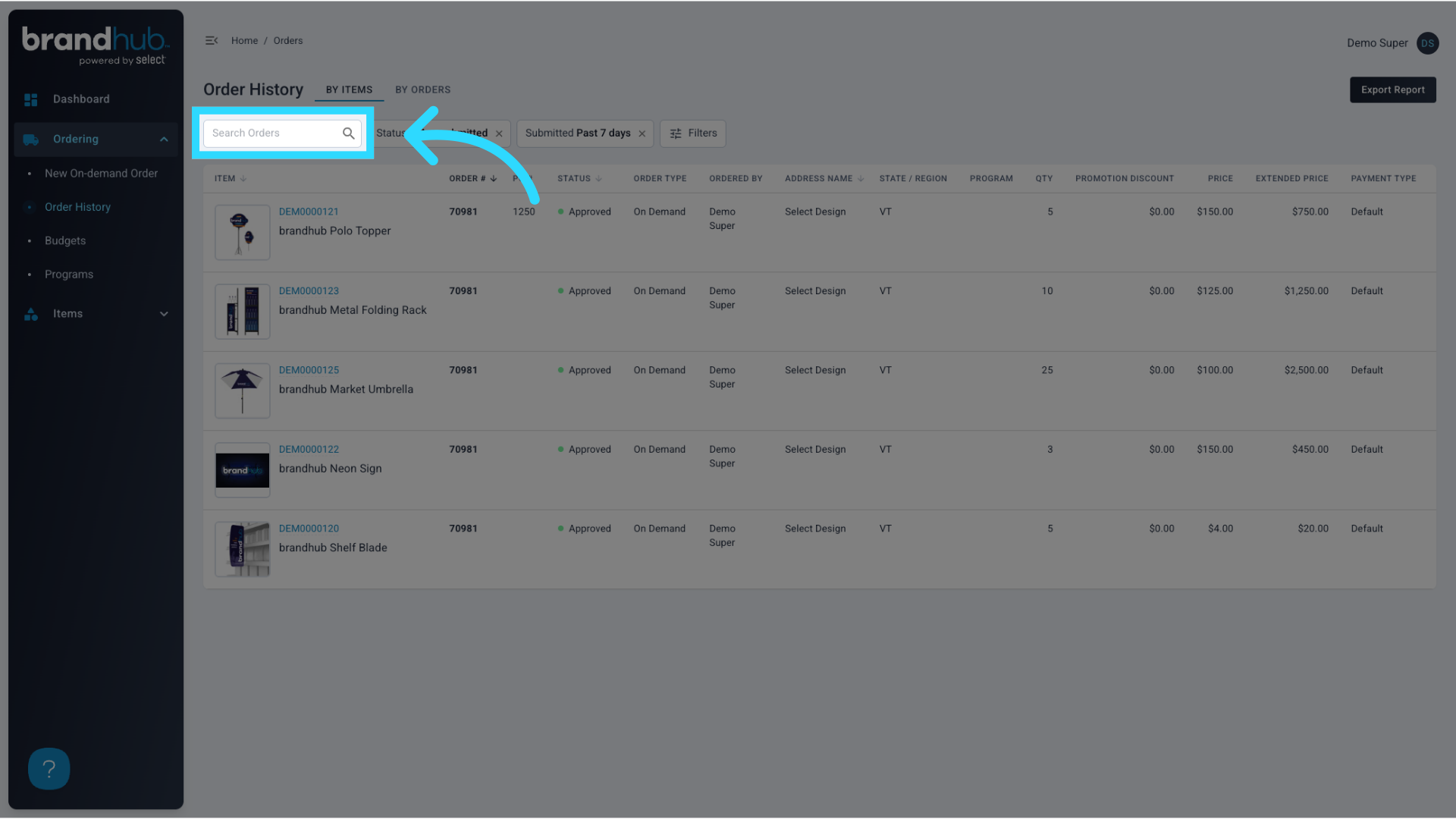
6. Filter by Order Status
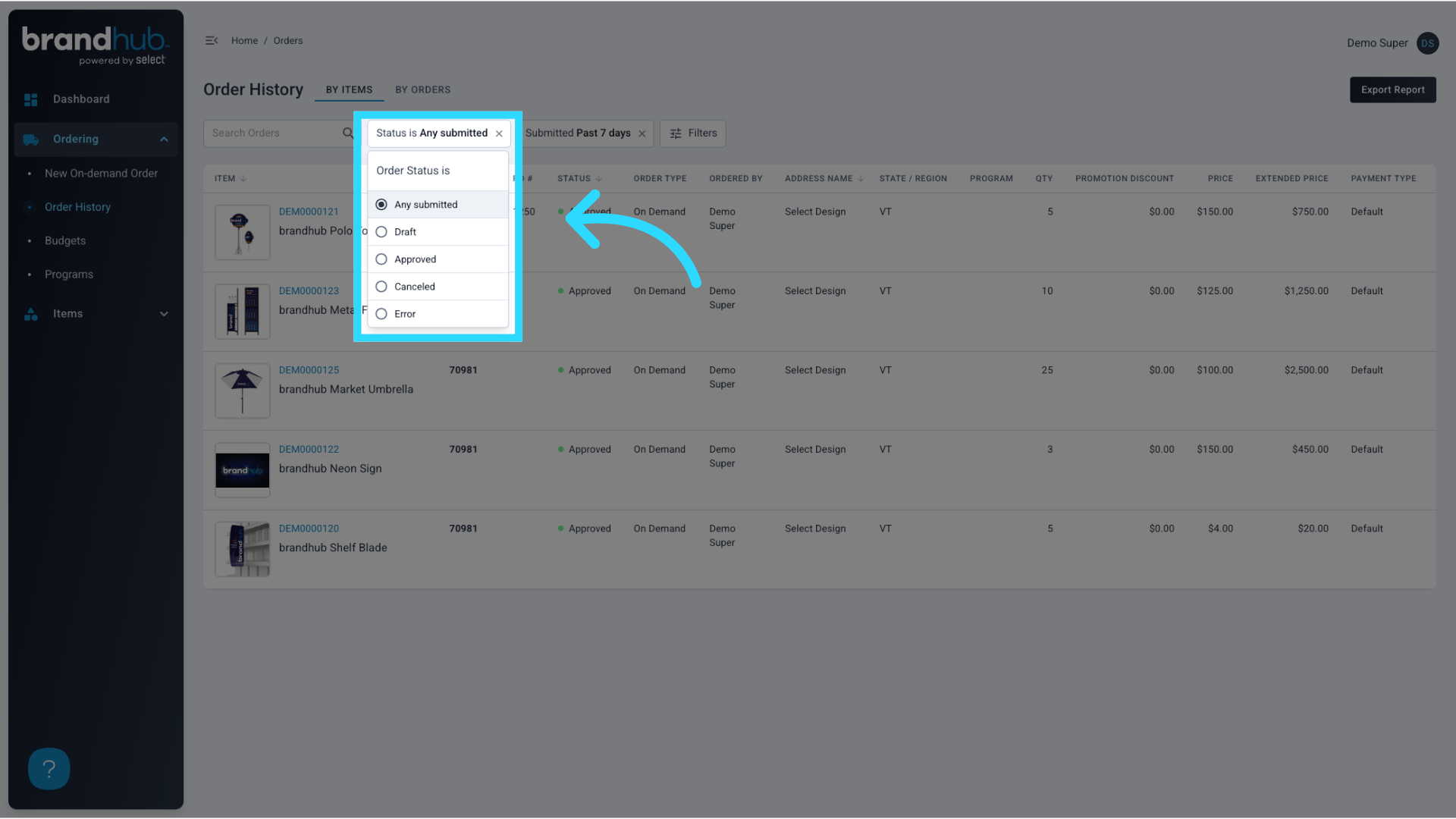
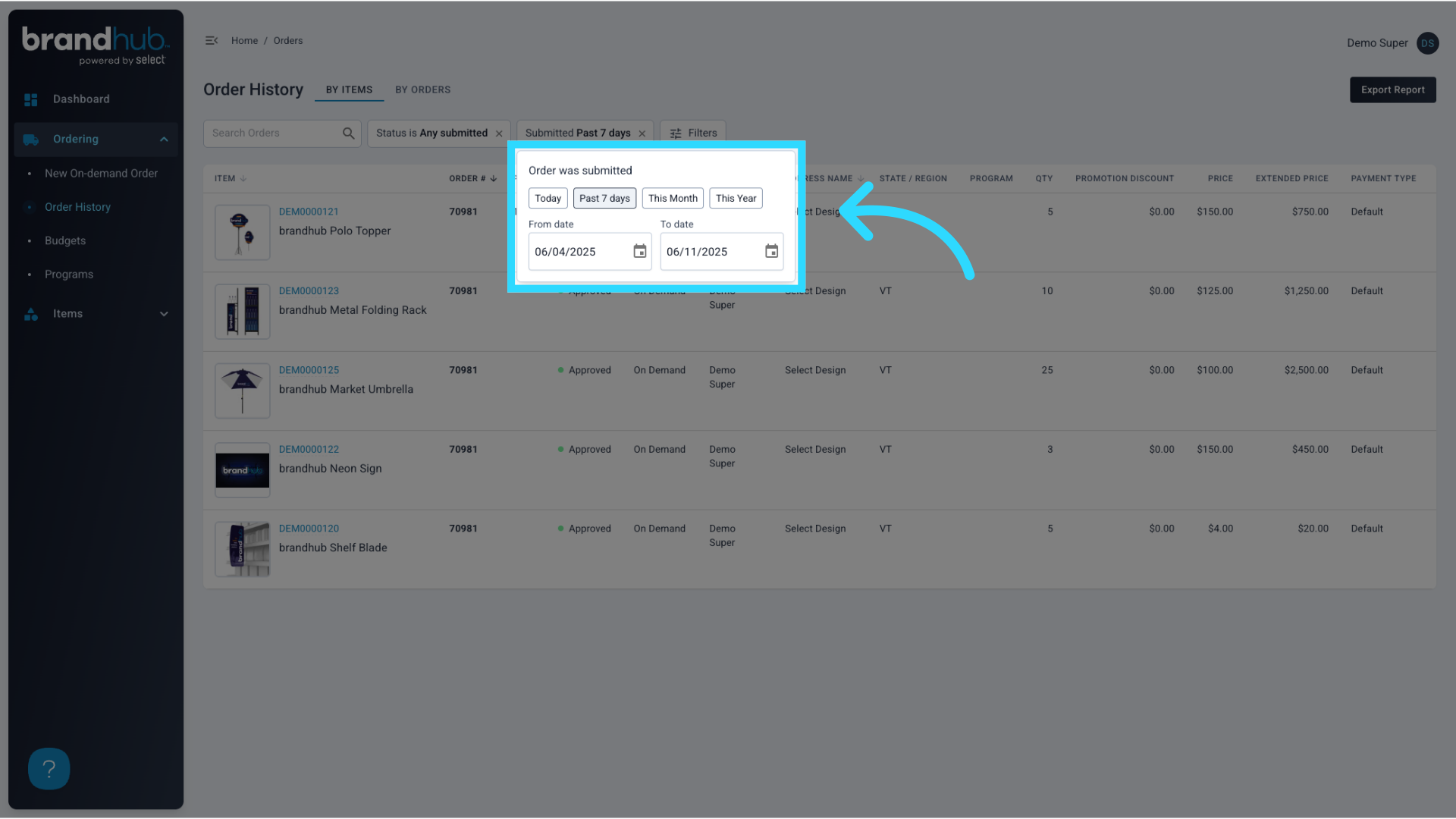
7. Filter by Date Range
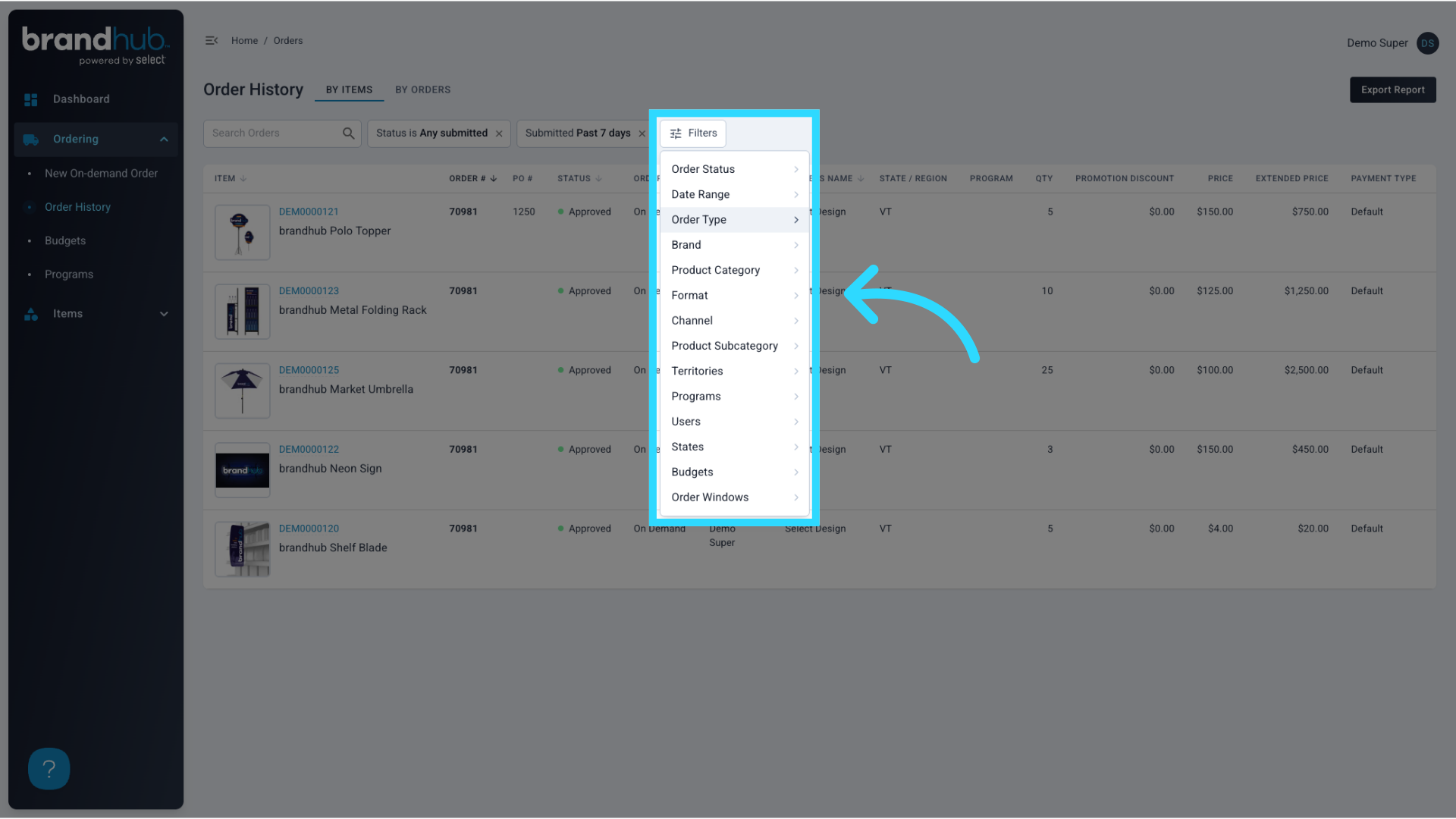
8. Apply Other Filters
9. Click on an Item or Order to drill down into the order summary
If the user would like to drill down into an order, they can select an item row or order row, depending on which view of the table they are using.
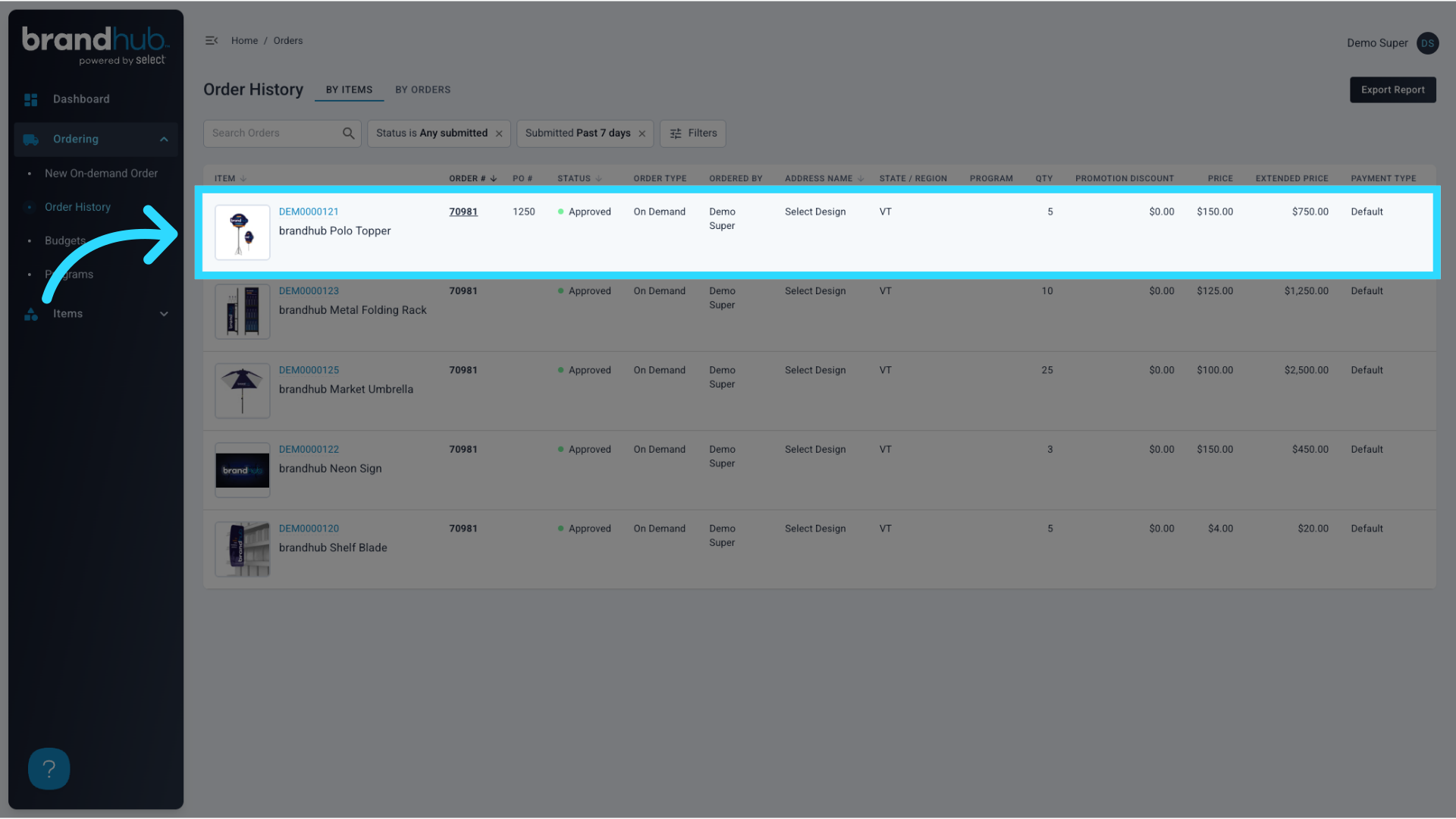
10. Order Summary
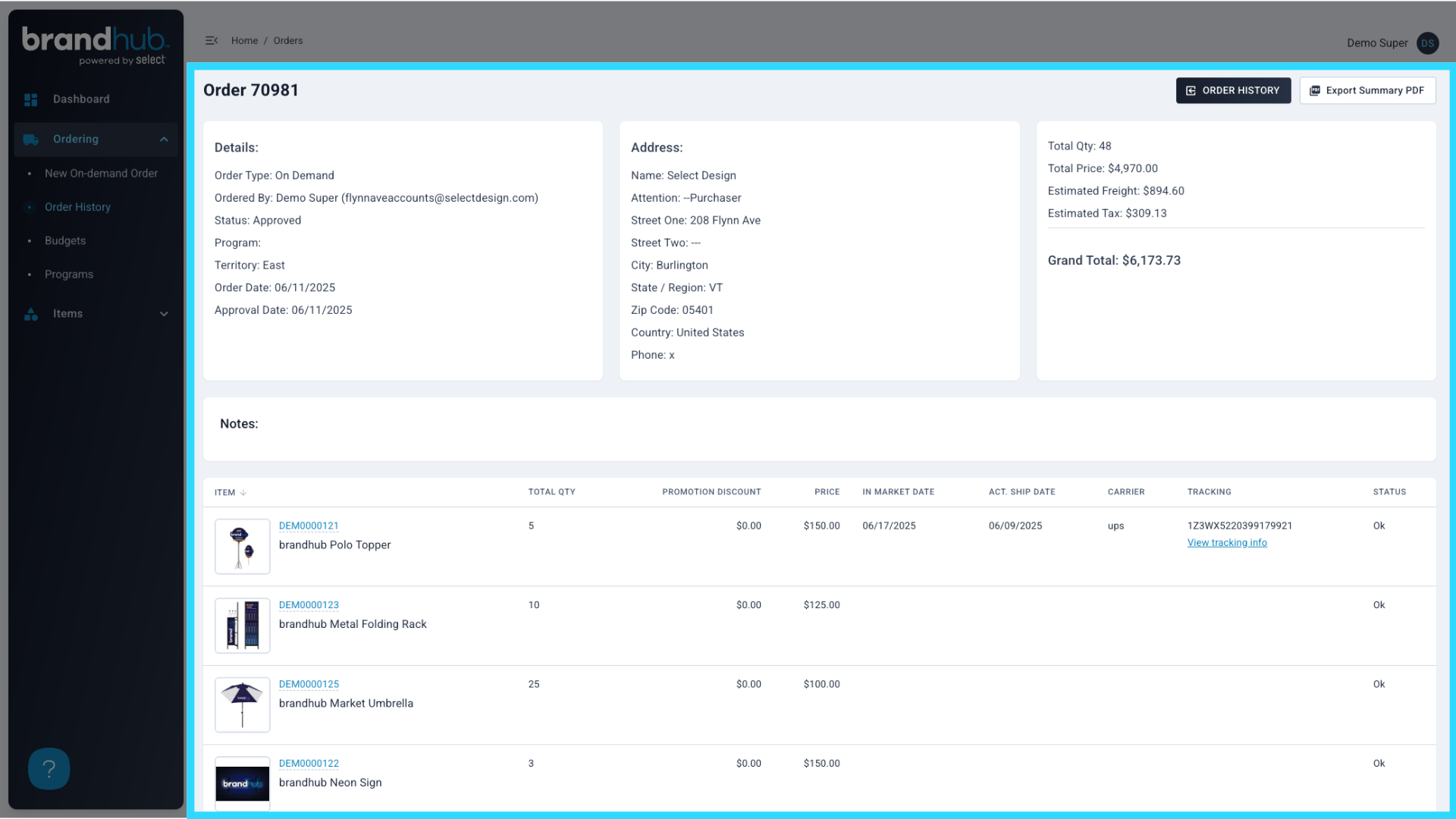
11. Once each item/order has shipped, shipping information is displayed in these columns
Once each item or order has been shipped, the actual ship date, carrier, and tracking # are displayed in these columns.
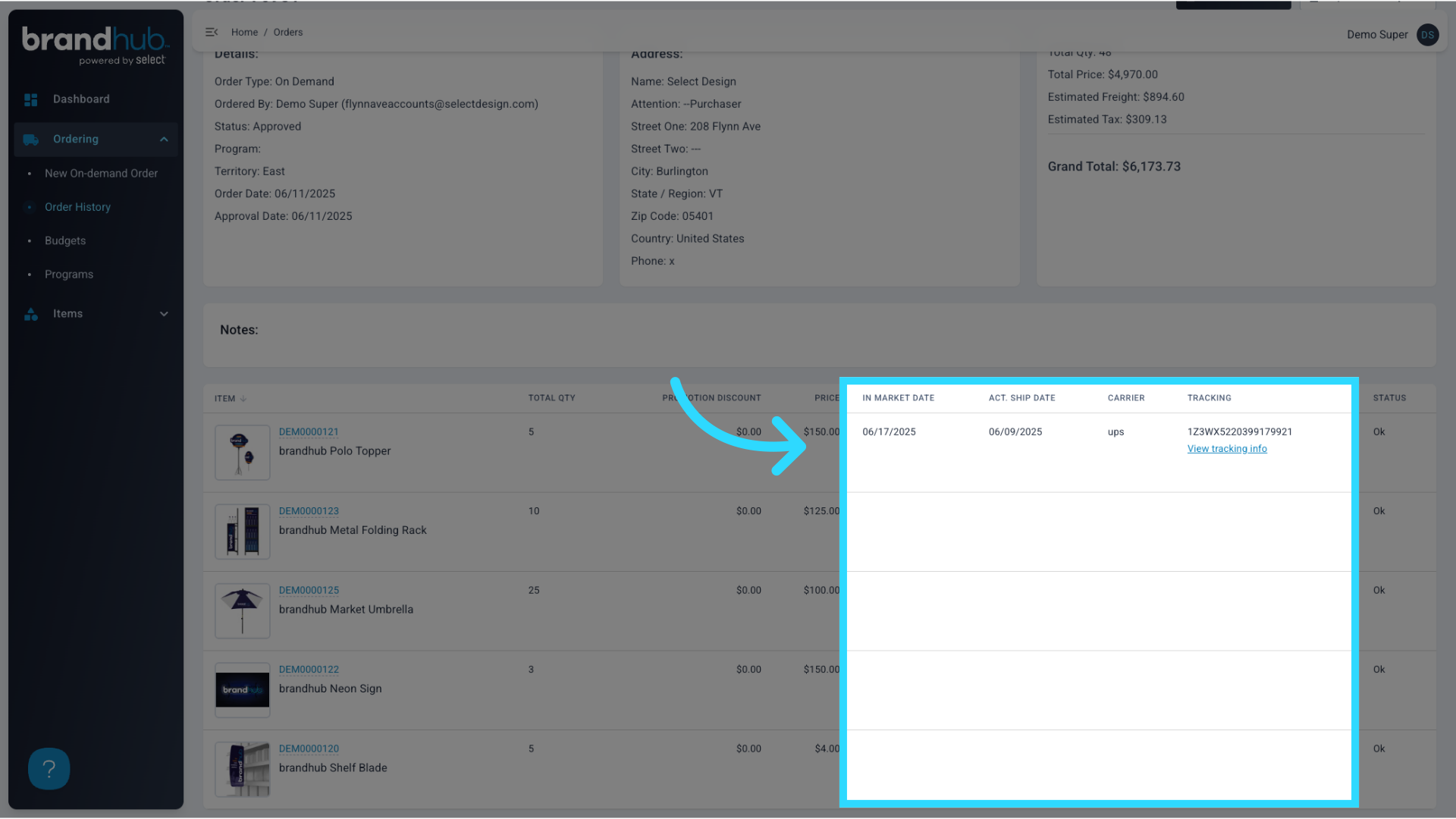
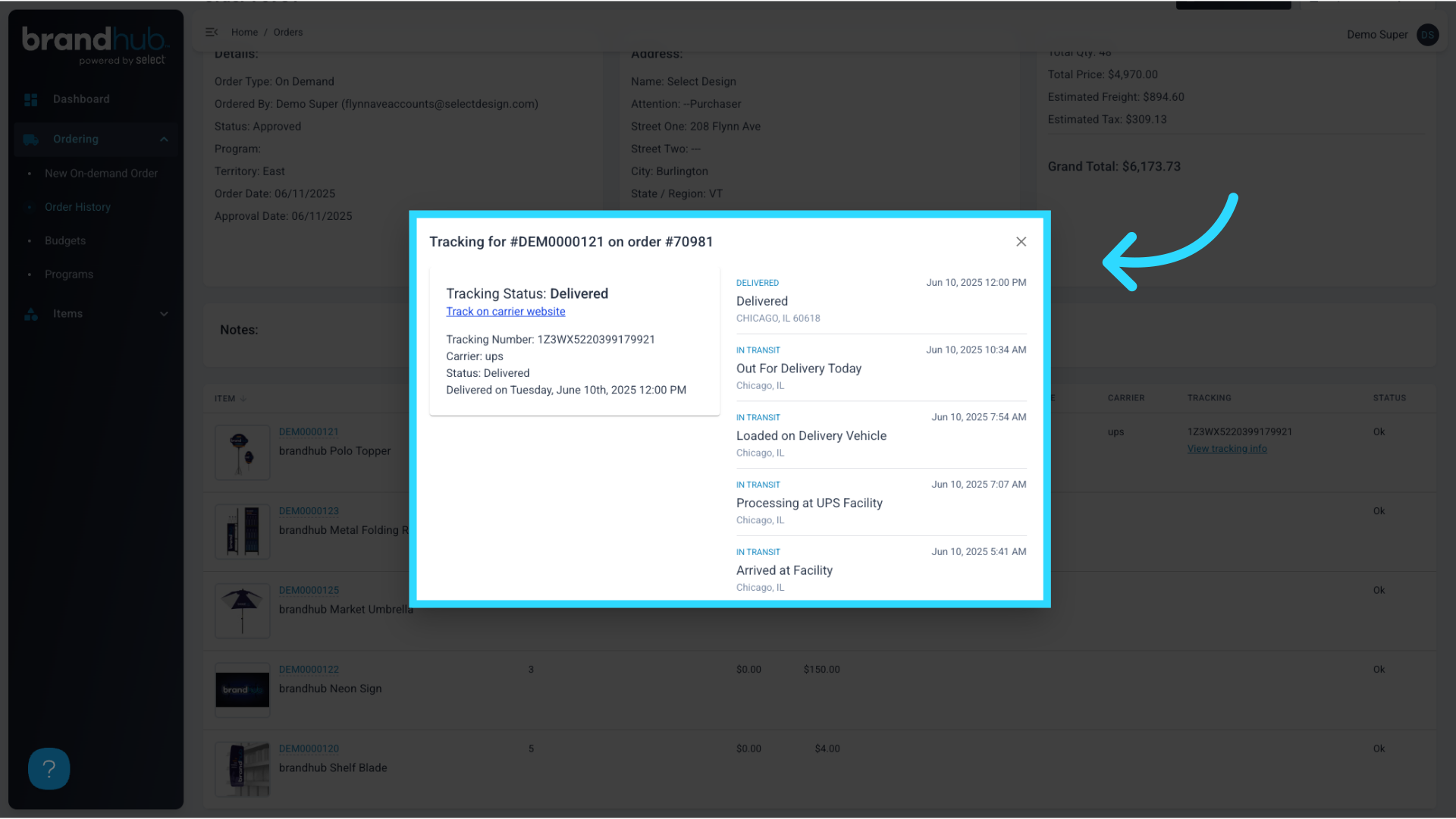
12. Click "View tracking info" to open the tracking modal
Access detailed tracking information for your orders by clicking "View Tracking Info".
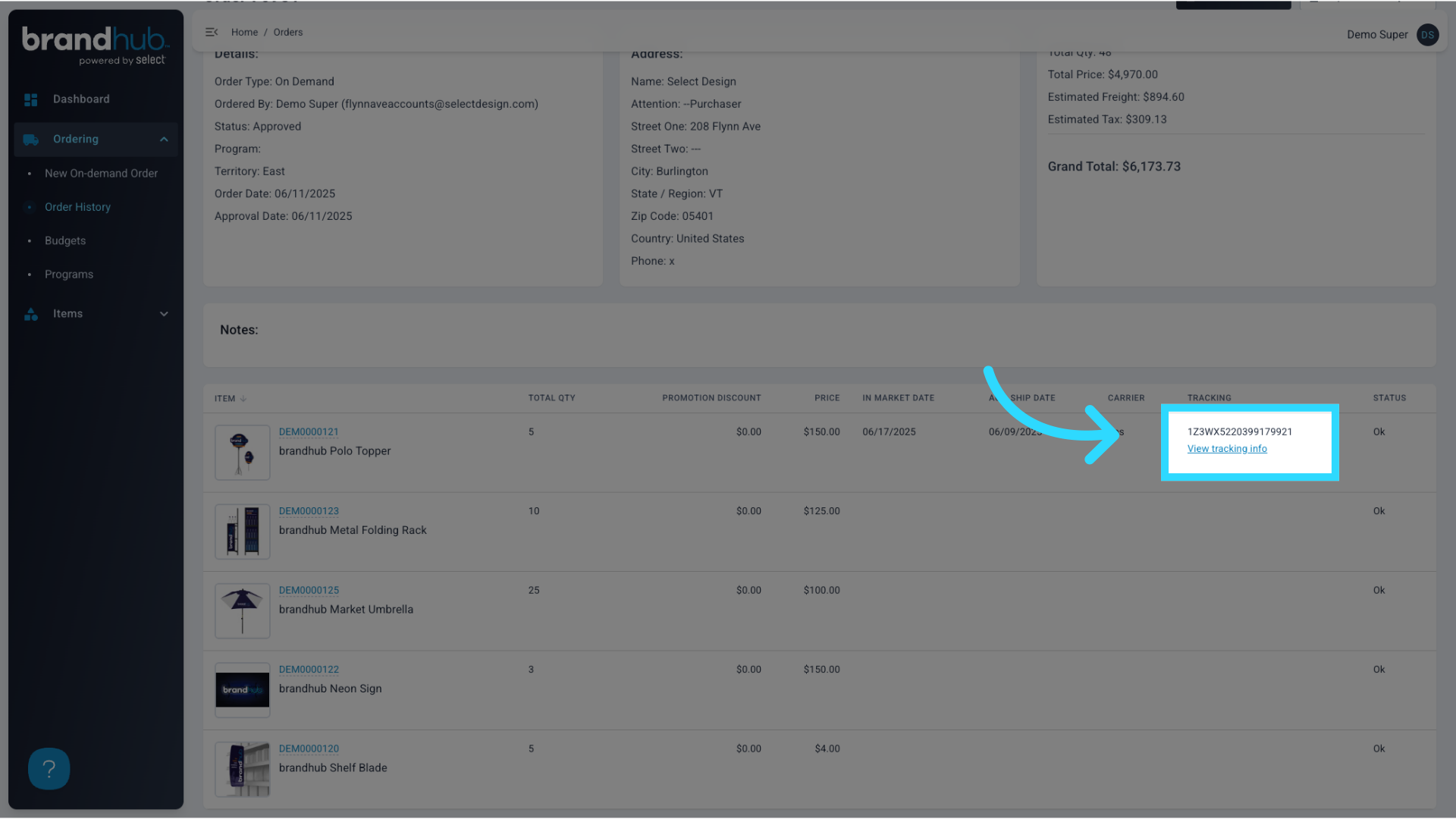
13. UPS and FedEx Tracking is integrated with our modal, allowing for immediately available small parcel tracking
You can now easily navigate through your orders!